
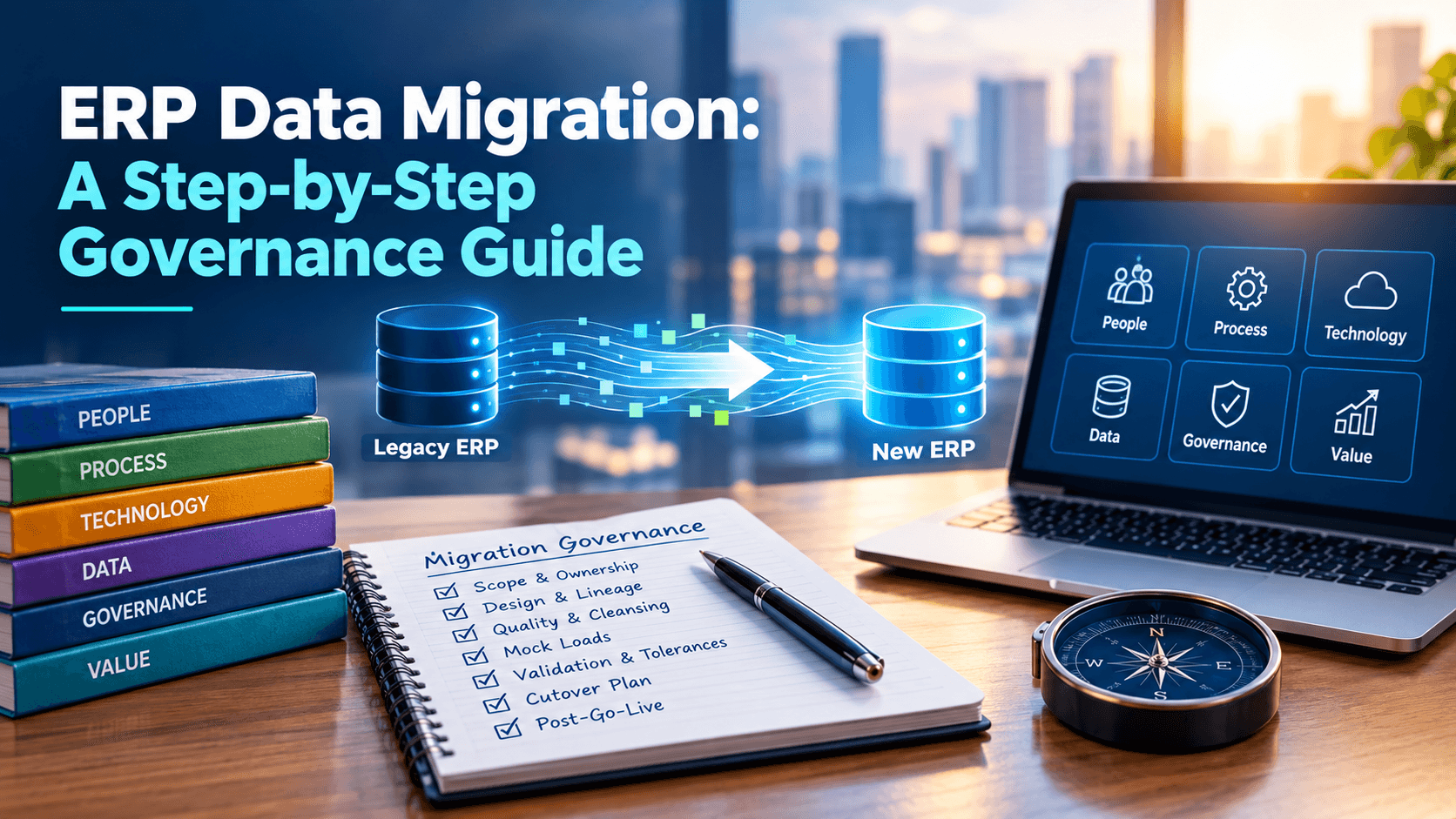
Most ERP programs don’t fail loudly. They fail in the data. Customer records that don’t reconcile, duplicate vendors, half-populated material masters, and a cutover weekend where nobody can say whether the numbers are right.
Data migration is treated as a technical task, but it is a governance problem first. Here is a practical way to run it.
Why data migration needs governance, not just tooling
Extract-transform-load tools move data. They don’t decide who owns it, what “clean” means, or who signs off that it’s ready. Without those decisions, teams discover problems during testing or, worse, after go-live.
Good governance answers four questions before any load runs:
- Who owns each data domain? (customers, vendors, materials, finance)
- What are the quality rules? (required fields, formats, duplicates)
- What is in scope? (active records only, or history too)
- Who approves readiness? (a named business owner, not just IT)
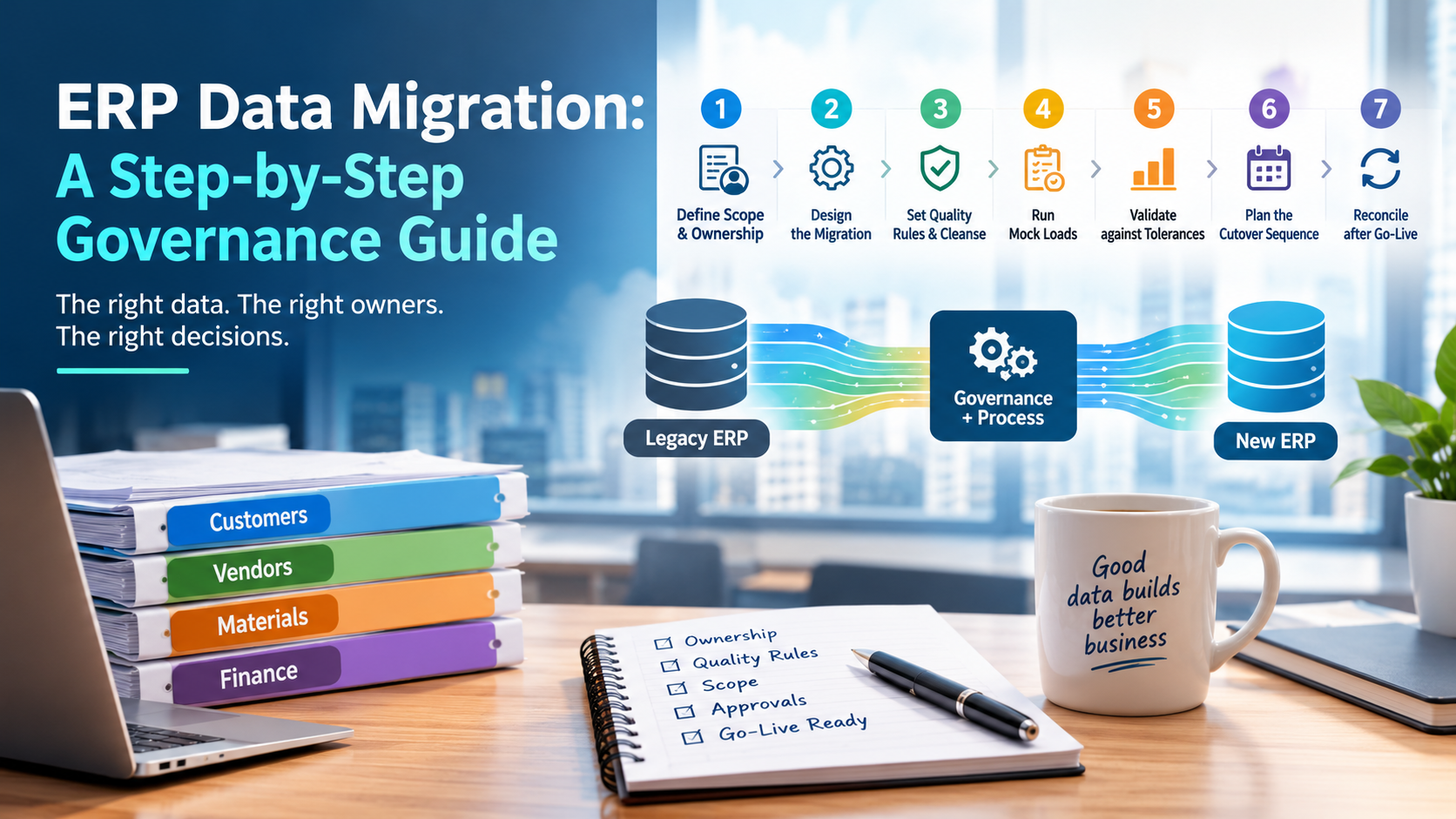
Step 1: Define scope and data ownership
List every data object moving to the new system and assign a business owner to each. Decide what history comes across and what gets archived. Smaller scope means less risk, so challenge every “we might need it” request.
Step 2: Design the migration
For each object, document source fields, target fields, transformation rules, and dependencies. This is migration design. Keeping it in one governed place, rather than scattered spreadsheets, preserves lineage so you can trace any value back to its source. AMIGO’s Data pillar is built around exactly this: migration design, lineage, and quality rules in one workspace.
Step 3: Set quality rules and cleanse
Agree on measurable rules, such as mandatory fields populated, no duplicate keys, and valid reference codes. Cleanse at the source where possible, since fixing data in the legacy system prevents it reappearing in later loads. Industry bodies like DAMA International publish widely used data management guidance if you need a reference model for your data governance structure.
Step 4: Run mock loads
Plan multiple trial loads before cutover. Each one should produce a reconciliation report showing records extracted, loaded, rejected, and why. Track defects by owner and severity, and expect the first mock to be messy. That is its purpose.
Step 5: Validate against tolerances
Reconcile counts and financial totals between source and target. Set tolerance thresholds in advance, for example what variance is acceptable on open balances, so go/no-go decisions rest on agreed numbers rather than opinion. Business owners should sign off on each data domain.
Step 6: Plan the cutover sequence
Order matters: master data before transactional data, dependencies respected, every step timed and owned. Rehearse it. A cutover plan with clear owners and go/no-go gates replaces the war room with a checklist. See how this fits the wider program in our ERP implementation approach.
Step 7: Reconcile after go-live
Migration doesn’t end at cutover. Run post-load reconciliation, monitor data quality in the first weeks, and keep an issue log with clear owners. If you are running SAP, the AMIGO for SAP edition maps these activities across the SAP Activate phases, and SAP’s own site is the right place for official methodology documentation.
Common pitfalls
- Treating migration as an IT-only workstream
- Starting cleansing too late
- Skipping mock loads to save time
- No named business owner per data domain
- Undefined tolerances, leading to subjective go-live decisions
Data risk is one of the biggest threats to delivery. Our ERP risk management service helps teams identify these issues early, and project leaders can find broader delivery standards at the Project Management Institute.